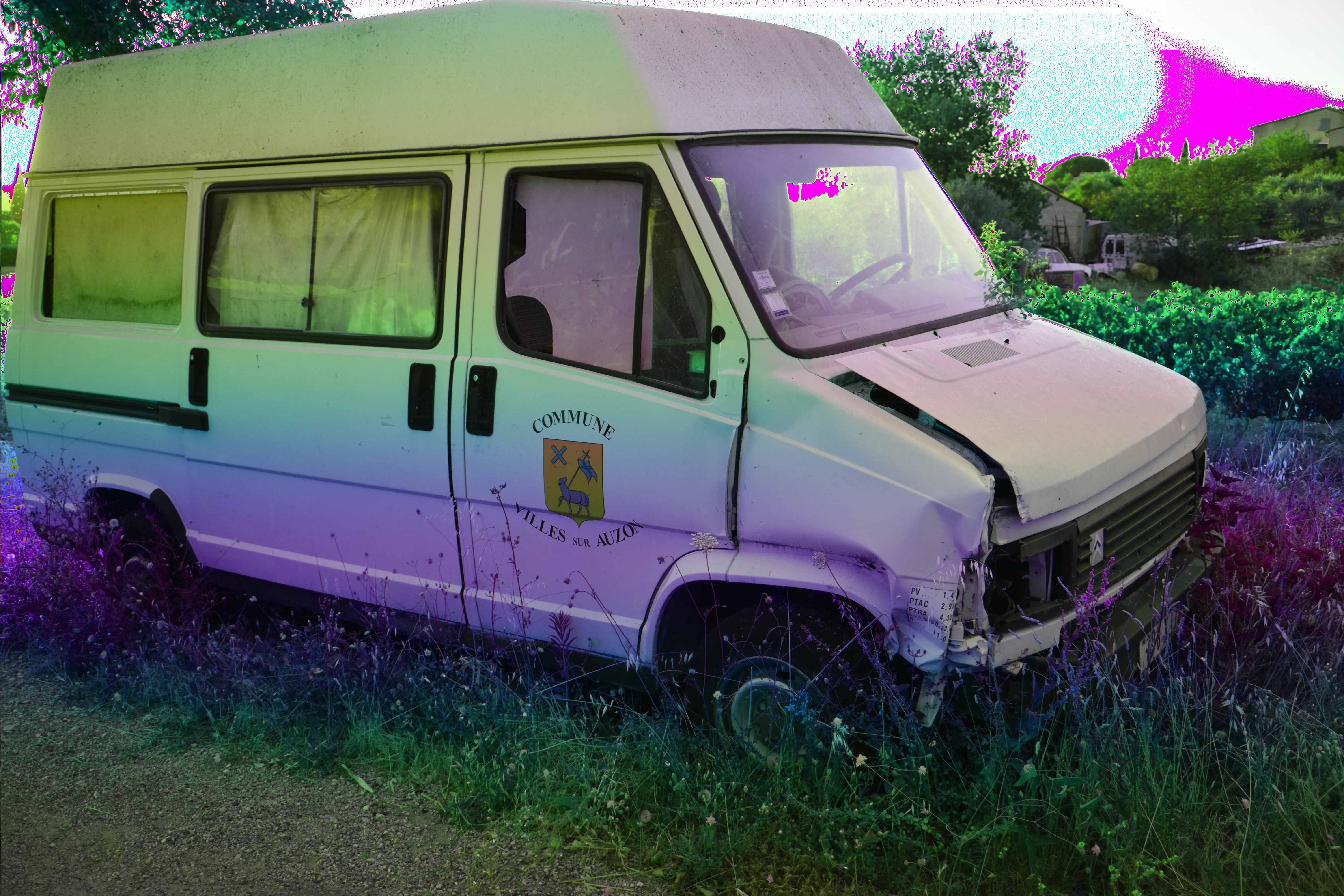
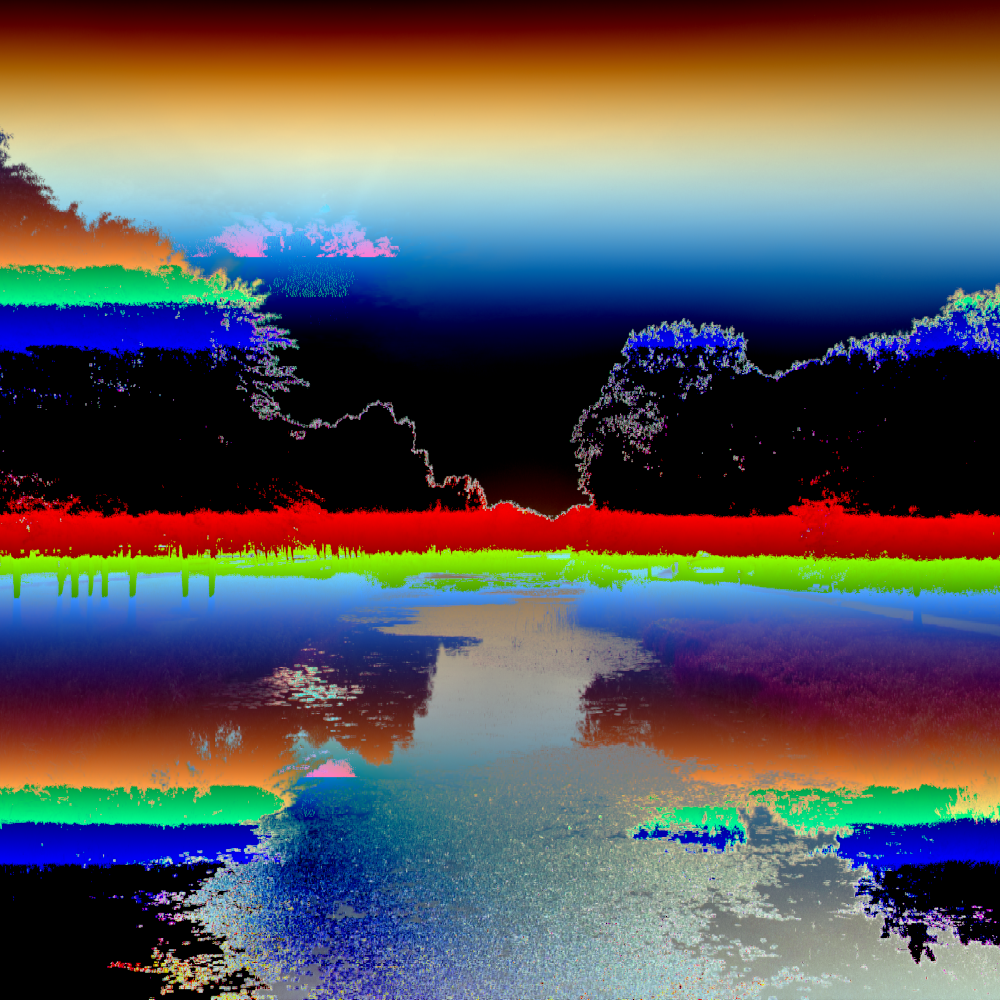
TheBends (software)

TheBends (software)

About

TheBends is a high-speed databending environment built from scratch, focused on practical glitch workflows for image and video files. This page tracks current progress and public demos of what the software can already do.

Current status

  • Started: November 2025
  • Status: web lite build is public, full build still in active development.
  • Web version scope: core image workflow. Heavier features like the full video pipeline stay in the standalone track.
Open TheBends Web Build
This is the current lite web version.

About / Technical Overview

  1. What TheBends is

    TheBends is a creative image/video tool built from scratch for databending. Databending means intentionally modifying raw file data to create glitches and unexpected visual art. Instead of only using normal filters, TheBends lets you alter the underlying byte structure in controlled ways.

    • Results feel less like standard filter packs and more unique.
    • Different formats react differently to the same action.
    • You can explore randomly and still reproduce results later.
  2. Why this project exists

    The main goal is a practical workflow for creative databending with high artistic freedom.

    • One connected workspace for formats, chains, randomization, selection, and export.
    • Fast iteration tools: generation mode, quick apply, undo flow, fullscreen workflow.
    • Precise control: region selection, chunk range, manual + random parameter workflows.
    • Reproducibility: seeds, logs, metadata, presets.
    • Flexible export: bent formats, PNG snapshots, ZIP packages, video frame workflows.
  3. Core idea: processing format

    You load an image, TheBends converts it to a chosen target structure (for example BMP 8-bit, TIFF 4-bit, ILBM), then operations run on that format’s data model.

    Format choice is a creative tool, not just an export option.

  4. Supported input images

    • Direct decode: BMP, TIFF (little-endian), PPM, PGM, TGA, ILBM, SGI RGB, Sun Raster, PCX.
    • Common modern load support: PNG, JPEG, WEBP, GIF.
  5. Processing formats you can bend in

    • BMP: 24-bit, 8-bit paletted, 4-bit paletted, 1-bit paletted.
    • TIFF: 24-bit, 8-bit paletted, 4-bit paletted, 1-bit paletted.
    • TGA: 24-bit, 24-bit RLE.
    • ILBM: 8/6/4 bitplanes.
    • Other families: SGIRGB, SUNRAS, PCX, NETPBM, JPEGSAFE.

    Lower bit depth usually gives harder/graphic looks; higher depth preserves richer color detail.

  6. Operation system

    There are currently 47 operations. Each operation is a data transformation rule with parameters and optional seeded randomness.

    • Byte operations: XOR, shifts, sorting windows, bit transforms.
    • Spatial operations: row/column/block remaps and smears.
    • Channel/color operations: channel ordering, offsets, hue/luma/chroma style transforms.
    • DSP-inspired operations: delay/reverb/phaser/chorus/comb-like logic applied to data.
  7. Chain system

    A chain is your recipe. You can add, remove, duplicate, reorder, load back into editor, update, and copy/paste steps. Order matters: A→B is not B→A.

  8. Seeds and reproducibility

    Same image + same format + same chain + same seed = same result. Change the seed and you get a variation.

  9. Morphing across frames

    Parameters can evolve over time with easing modes, useful for smoother sequence/video motion.

  10. Randomization tools

    • Random format picker
    • Random chain builder
    • Random parameter generation
    • Range-scale control from 1x to 50x
  11. Chunk bending

    Modes: whole file, random contiguous chunk, or manual start/end chunk percentages.

  12. Region selection

    • Rectangle selection for direct area targeting.
    • Polygon selection with editable nodes and smoothness control.

    This isolates glitching to specific image zones.

  13. Fullscreen generation mode

    Fast iterative workspace with next-generation stepping, undo, zoom, and pan controls.

  14. Generation automation

    Next generation can auto-pick format + random one-step chain. You can constrain randomness using format/operation white- and blacklists.

  15. Generation logging

    Logs include format, operation, full parameter JSON, seed, chunk details, and region details. Undo is reflected in the log so final logs stay accurate.

  16. Image export options

    • Export bent native format
    • Export PNG snapshot
    • Export ZIP with file + metadata JSON + README
  17. Save current in generation mode

    Saves timestamped PNG + matching log text. Uses selected folder when available, otherwise browser download fallback.

  18. Palette editing

    Manual and randomized palette controls for 1-bit, 4-bit, and 8-bit modes across paletted format families.

  19. JPEGSAFE mode

    Safer scan-data bending for JPEG to reduce hard decode failures while keeping useful glitch behavior.

  20. Video workflow

    Frame-based processing with FPS, time-window, and frame-limit control. Export package includes processed frames, metadata, source copy, and helper scripts for MP4 rebuild and optional audio reattach.

  21. Video quality profiles

    Small, Balanced, and High profiles control CRF, encoder preset, and audio bitrate for fast output tradeoffs.

  22. Preset system

    Save/load JSON presets including format choice, chain steps, seeds, morph settings, palette settings, and frame options.

  23. Metadata and packaging

    Exports include structured metadata (time, source, format, chain, preset reference) for archiving and replay workflows.

  24. Undo/redo and stability

    Undo/redo works across editing and generation, busy states are visible, long jobs can be canceled, and errors are surfaced clearly in English.

  25. Desktop workflow quality

    Dense UI mode, fullscreen generation workflow, zoom/pan, and region tools keep high-res iteration practical.

  26. Current practical value

    The current build already supports full image/video databending workflows with speed, control, reproducibility, and export tooling.

  27. Quick glossary

    • Databending: intentional file-data manipulation for glitch art.
    • Processing format: active structure used as bending playground.
    • Bit depth: number of bits used for color data.
    • Palette: fixed indexed color table.
    • Seed: value for deterministic randomness.
    • Chain: ordered list of operations.
    • Morphing: parameter evolution over frames.
    • Chunk bending: modify one contiguous data range.
    • Region selection: bend only selected visual area.
    • FPS: frames per second.
    • CRF: H.264 quality/compression control value.

Demos

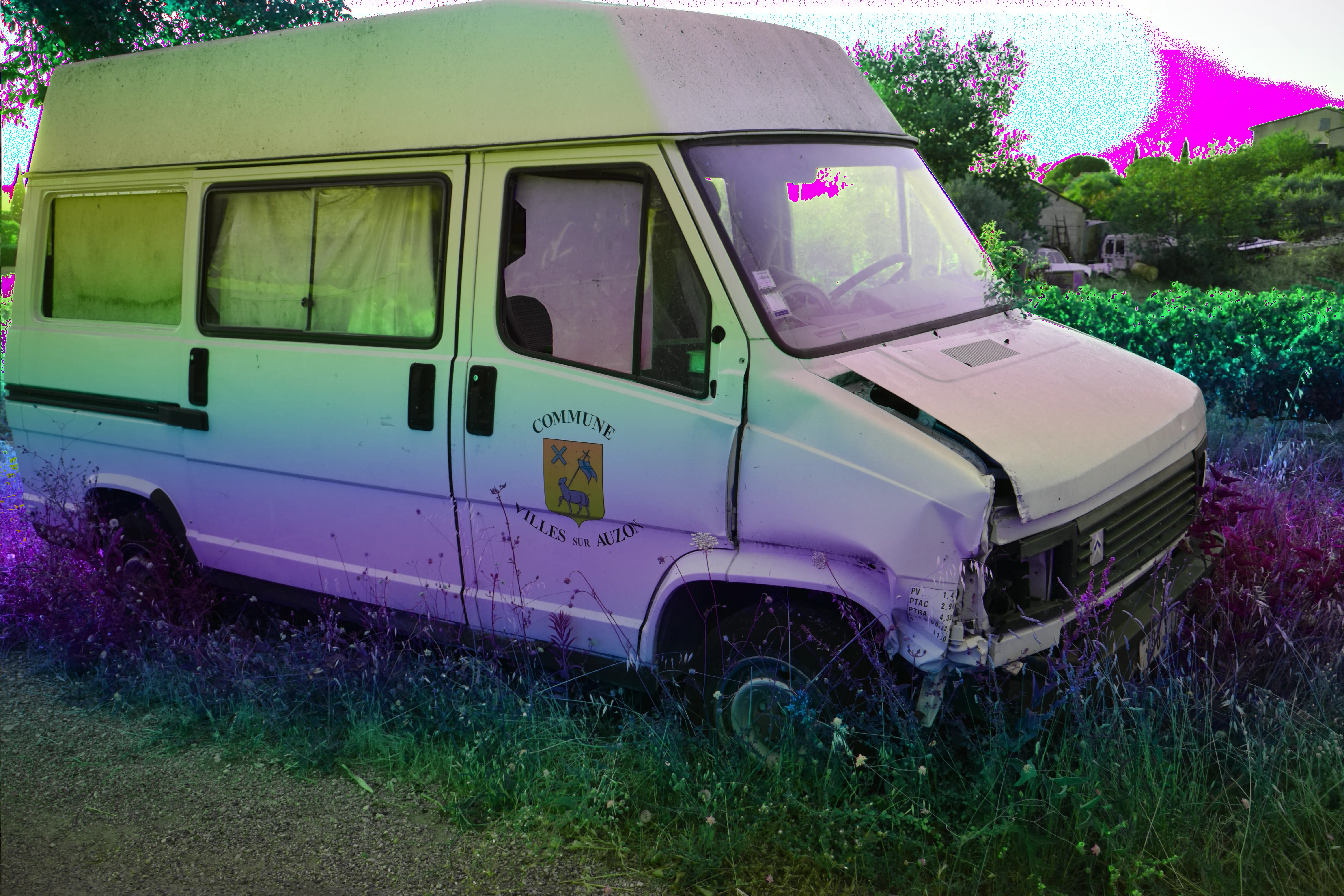
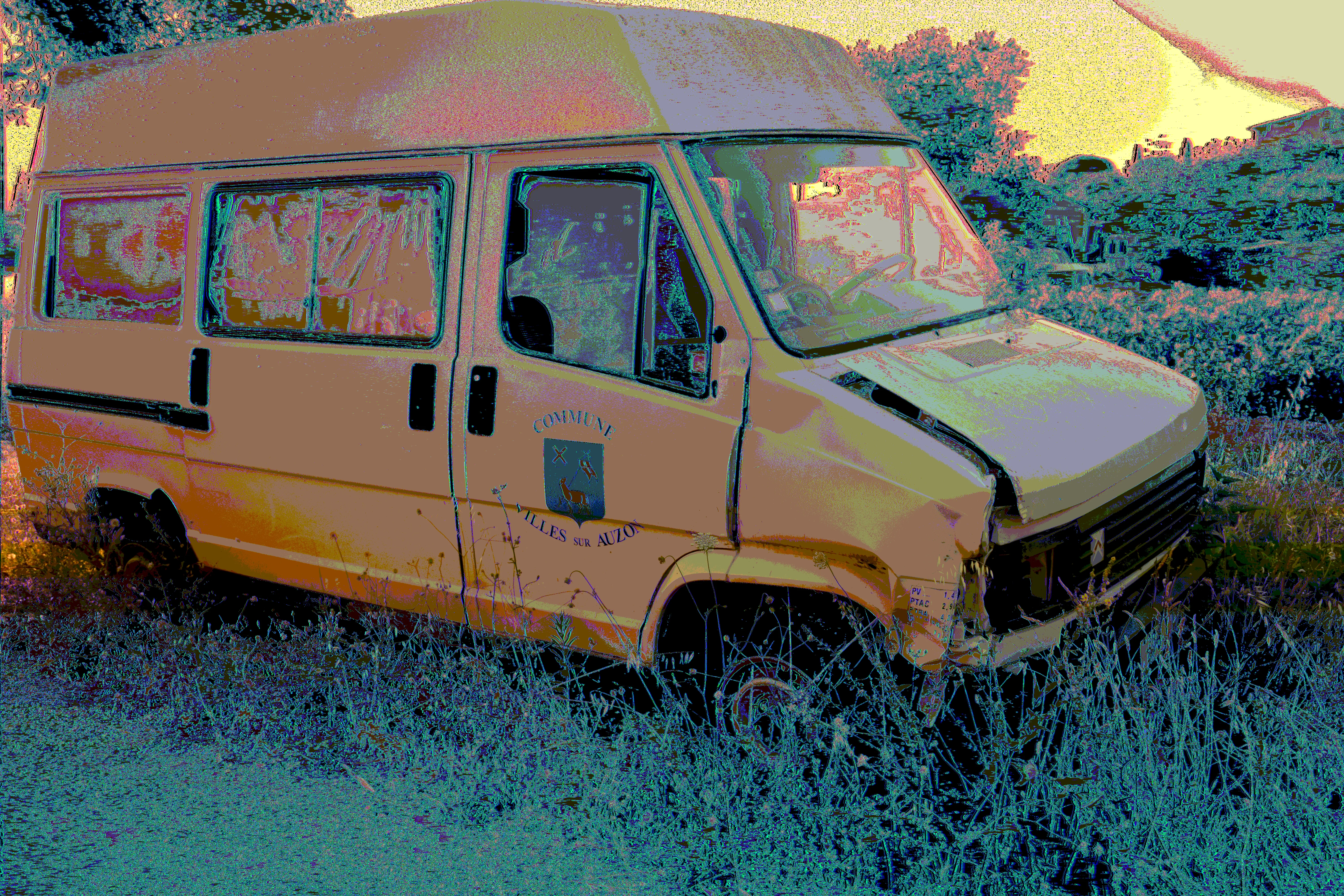
Demo 01 — Format comparison (same source, same chain, same seed)

This set shows how one identical operation recipe reacts across different processing formats. Source image, chain, seed, and chunk mode are all the same on every frame.
Recipe used: phaser {"rate":1.2,"depth":0.7,"stages":4} · seed 123456 · chunk mode whole · source DSC_0506.JPG (JPEG)
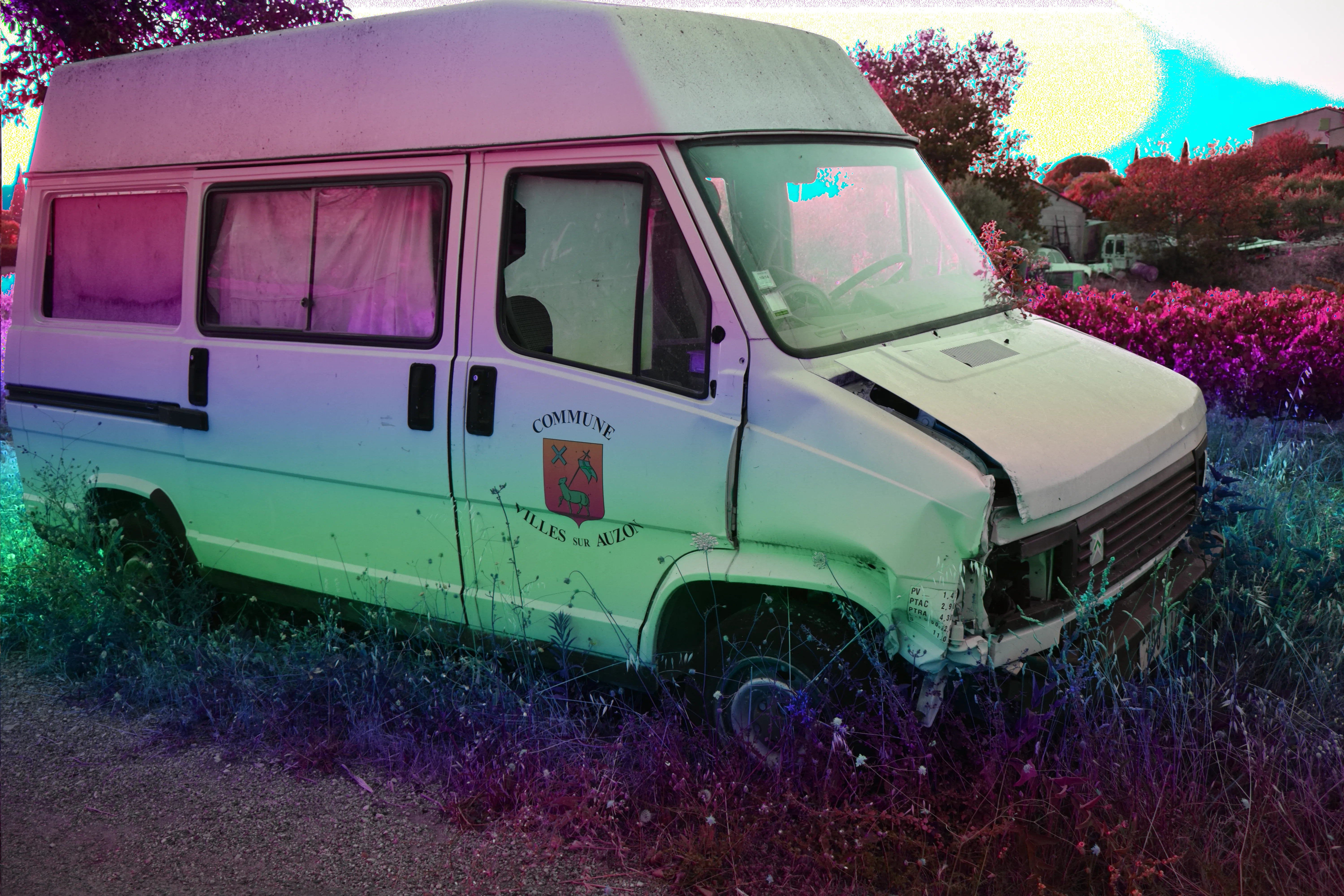
Demo 1 - BMP24
BMP24
24-bit bitmap container · log
Demo 1 - TIFF24
TIFF24
24-bit TIFF container · log
Demo 1 - PPM24
PPM24
Netpbm RGB container · log
Demo 1 - SUNRAS24
SUNRAS24
Sun Raster 24-bit · log
Demo 1 - ILBM8
ILBM8
8-bit planar/paletted path · log
Demo 1 - SGIRGB24
SGIRGB24
24-bit planar RGB path · log
Demo 1 - TGA24
TGA24
24-bit TGA path · log
Demo 1 - PCX8
PCX8
8-bit paletted RLE path · log

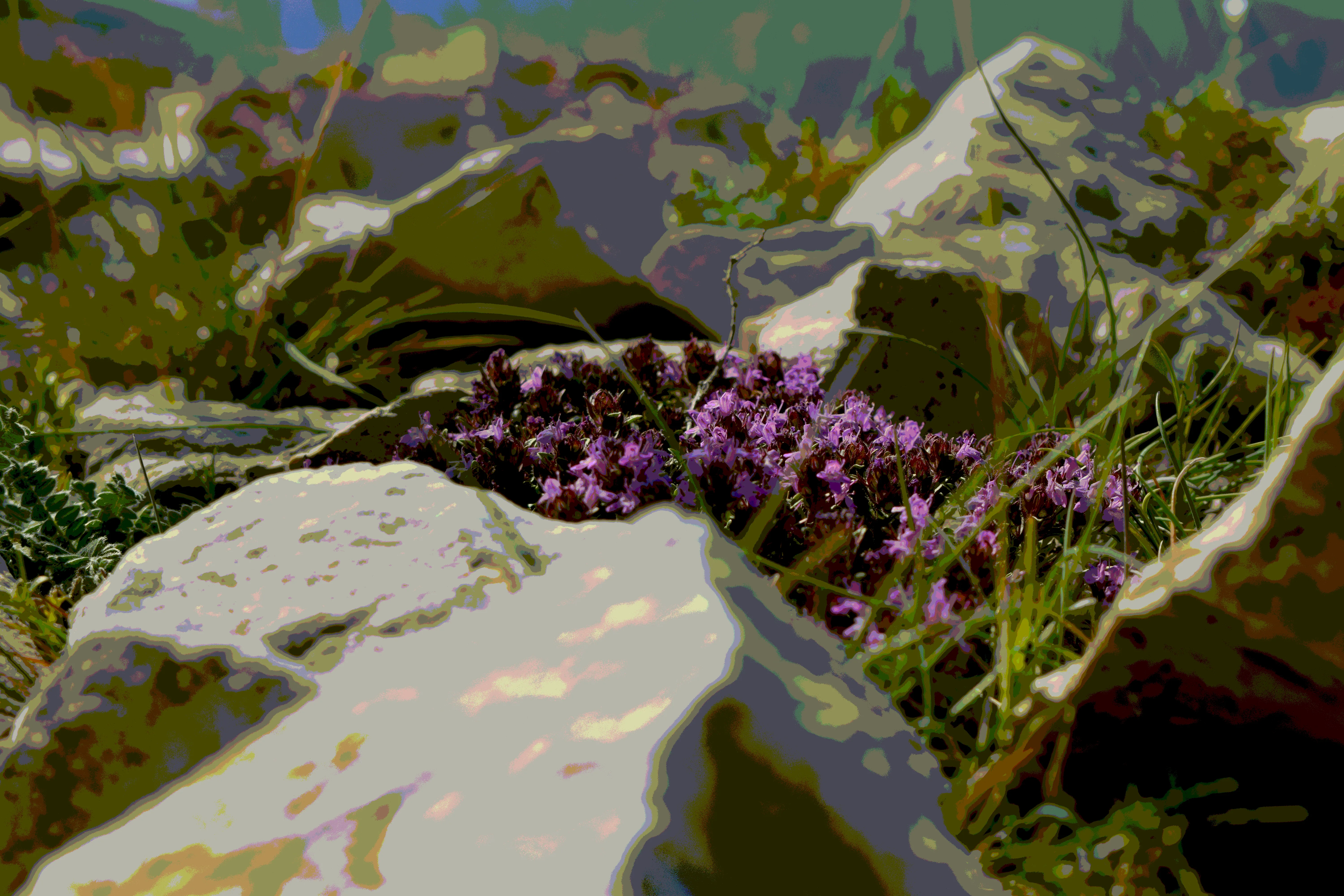
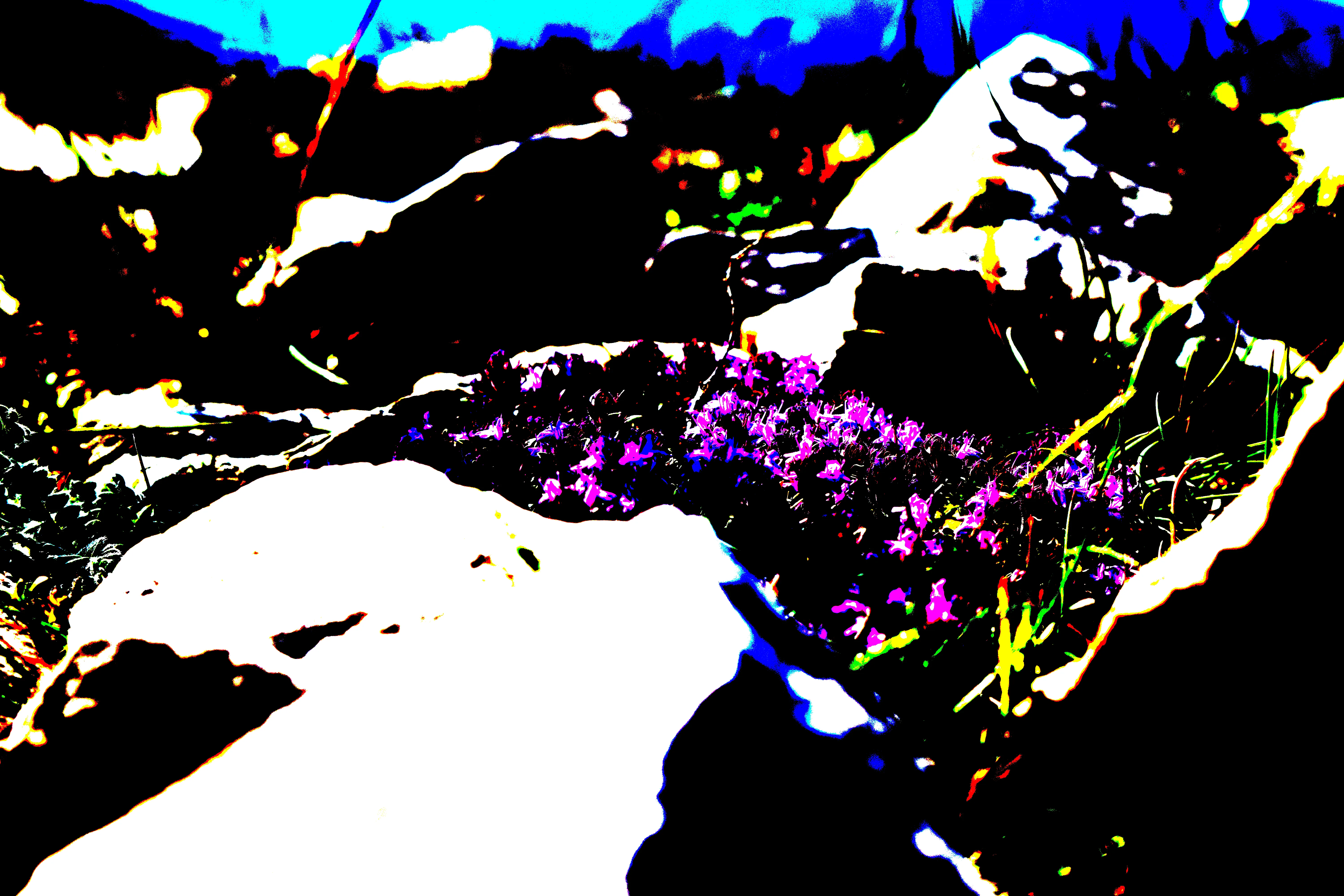
Demo 02 — Bit depth comparison (same source, no chain)

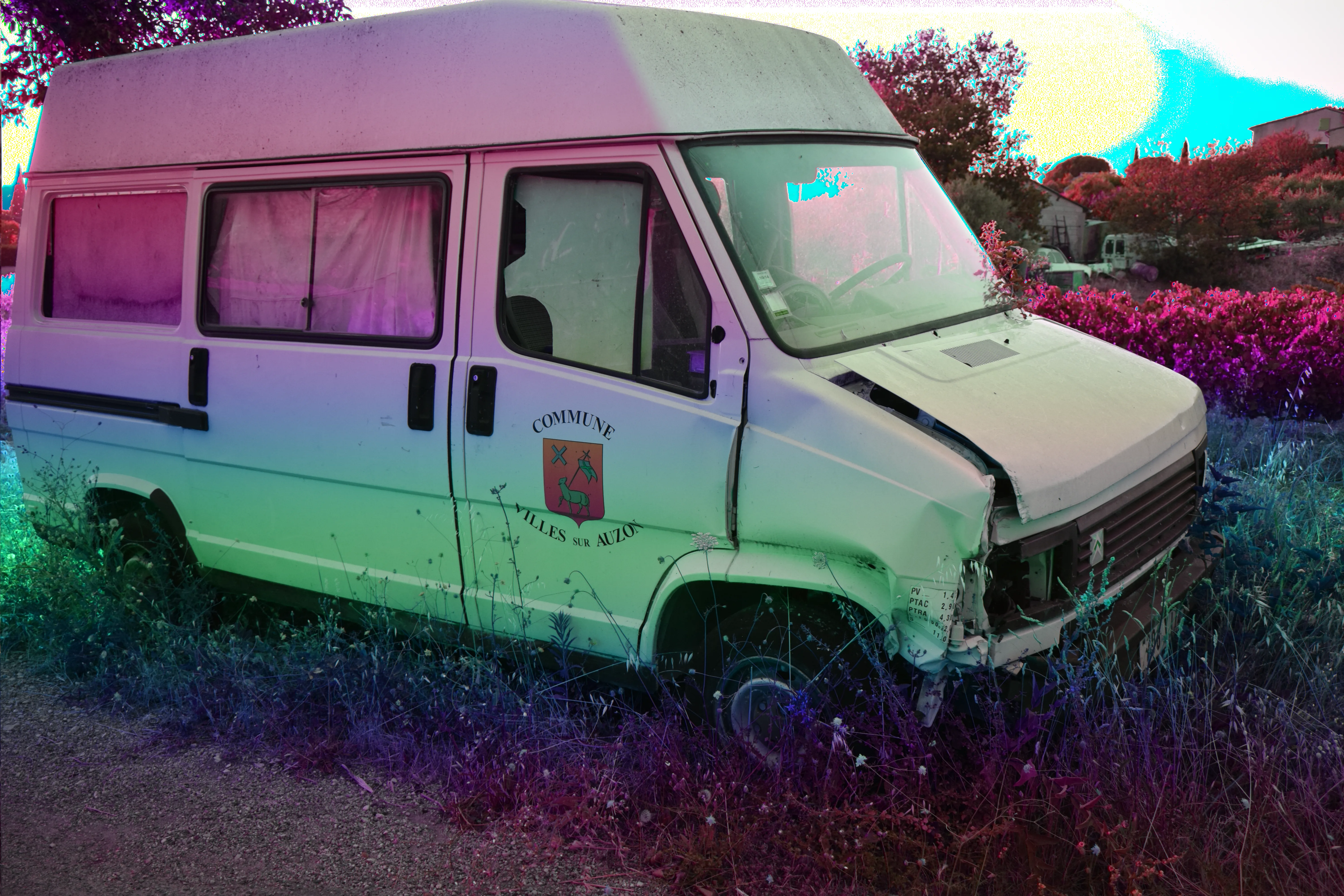
This set shows how the same source looks across BMP bit depths without any operations applied. It is a clean format-depth comparison only.
Source DSC_0941.JPG (JPEG) · chain length 0 · chunk mode whole
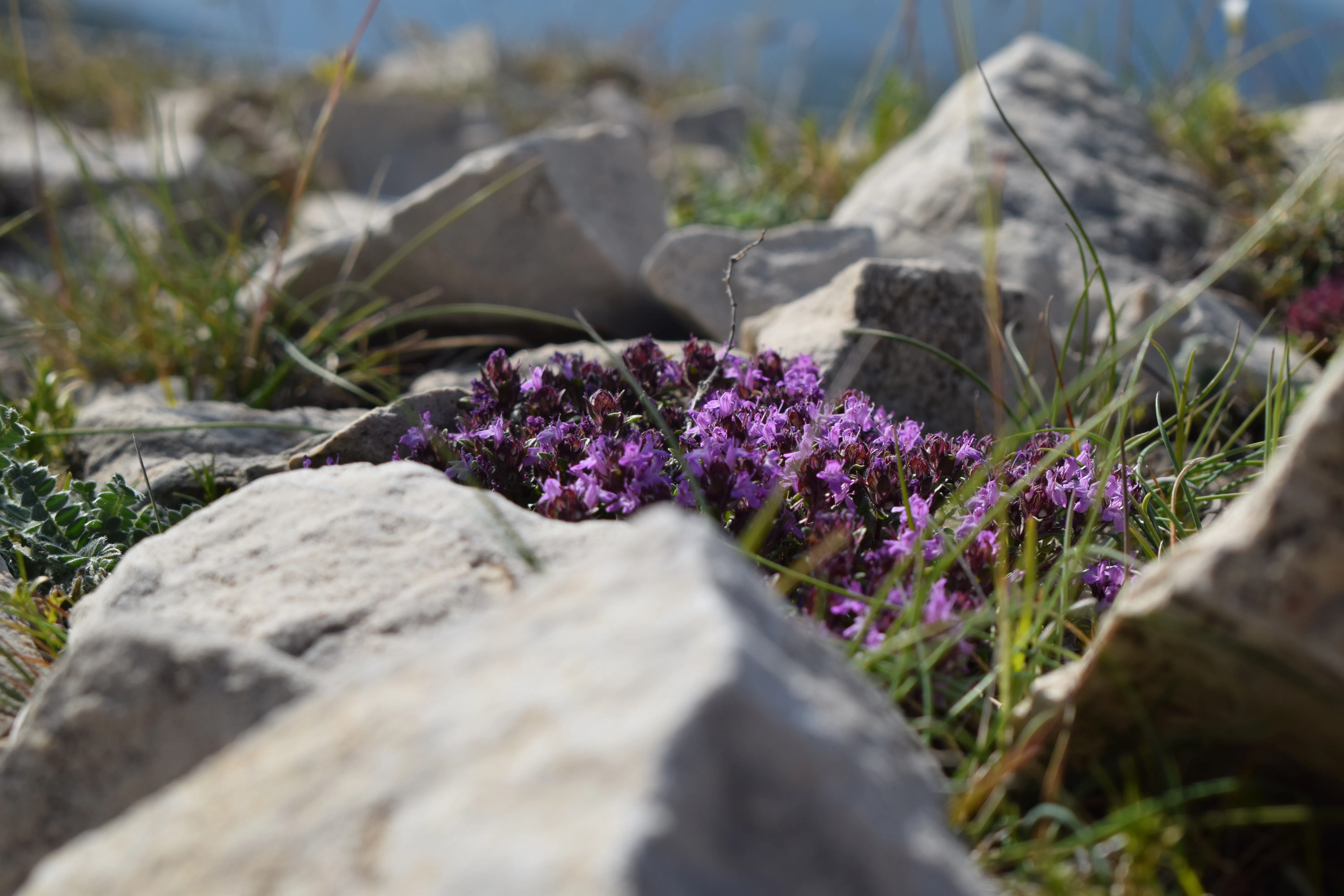
Demo 2 - BMP24
BMP24
24-bit full color baseline · log
Demo 2 - BMP8
BMP8
8-bit paletted reduction · log
Demo 2 - BMP4
BMP4
4-bit paletted reduction · log
Demo 2 - BMP1
BMP1
1-bit black/white style reduction · log

Demo 03 — Palette control (BMP4)

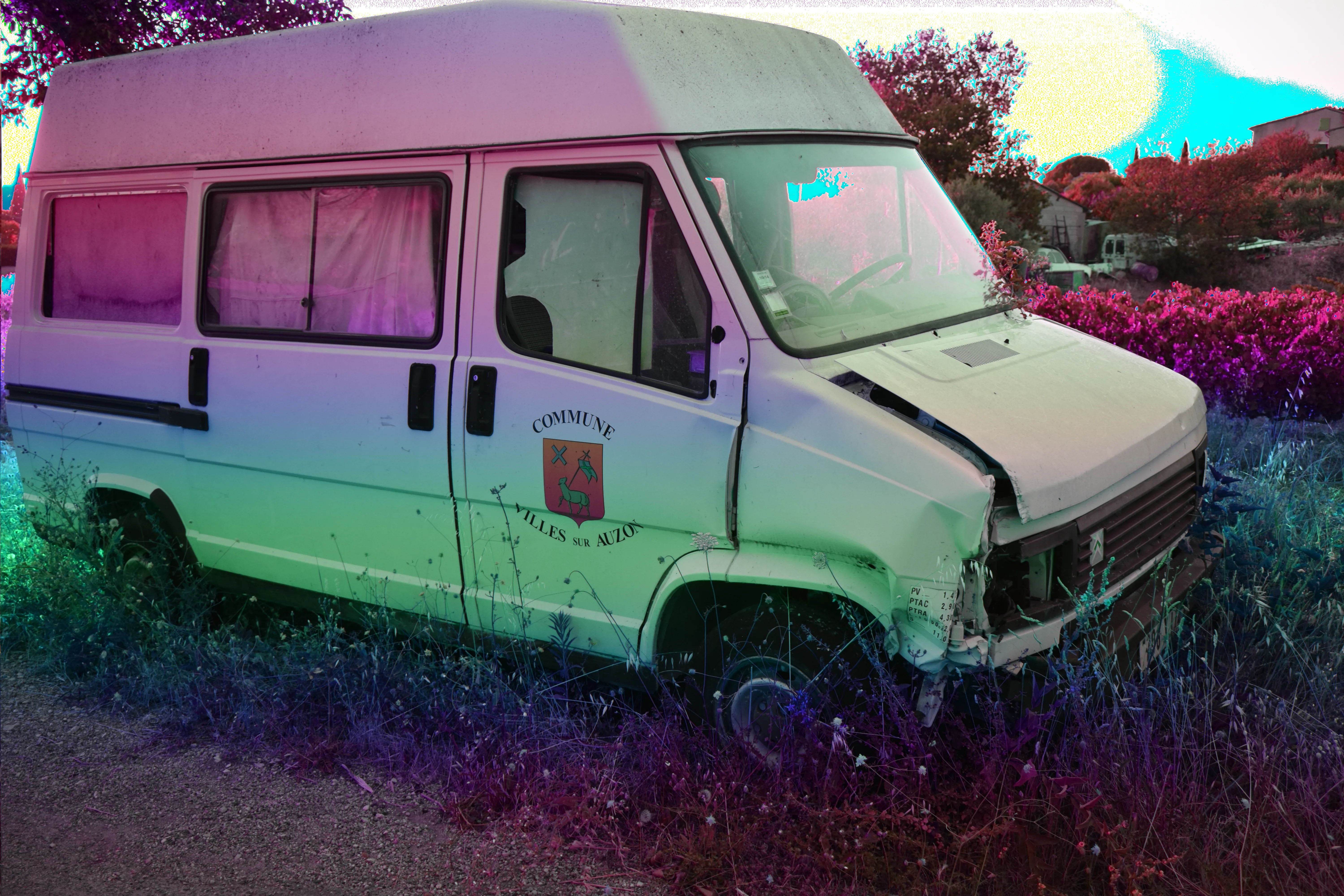
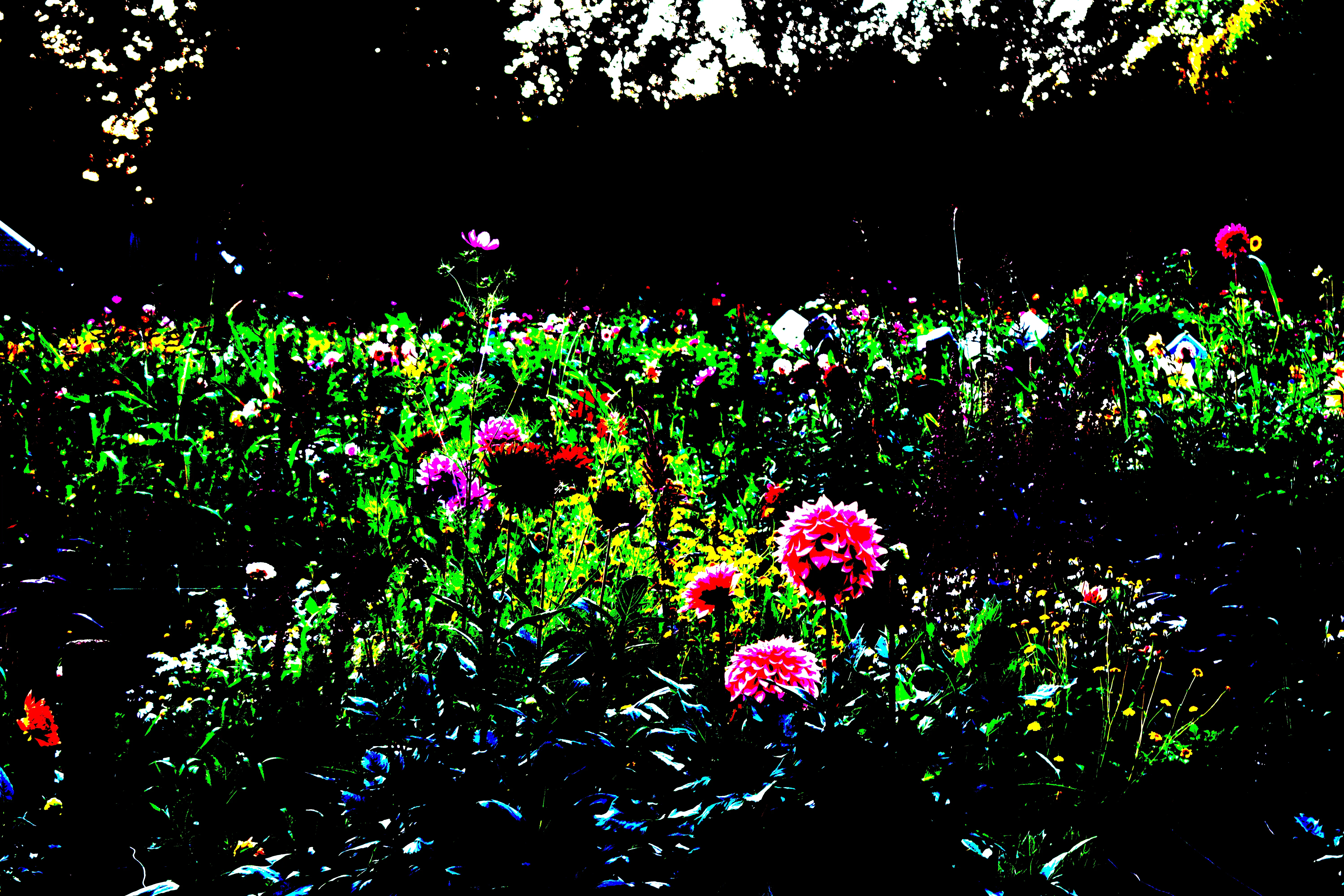
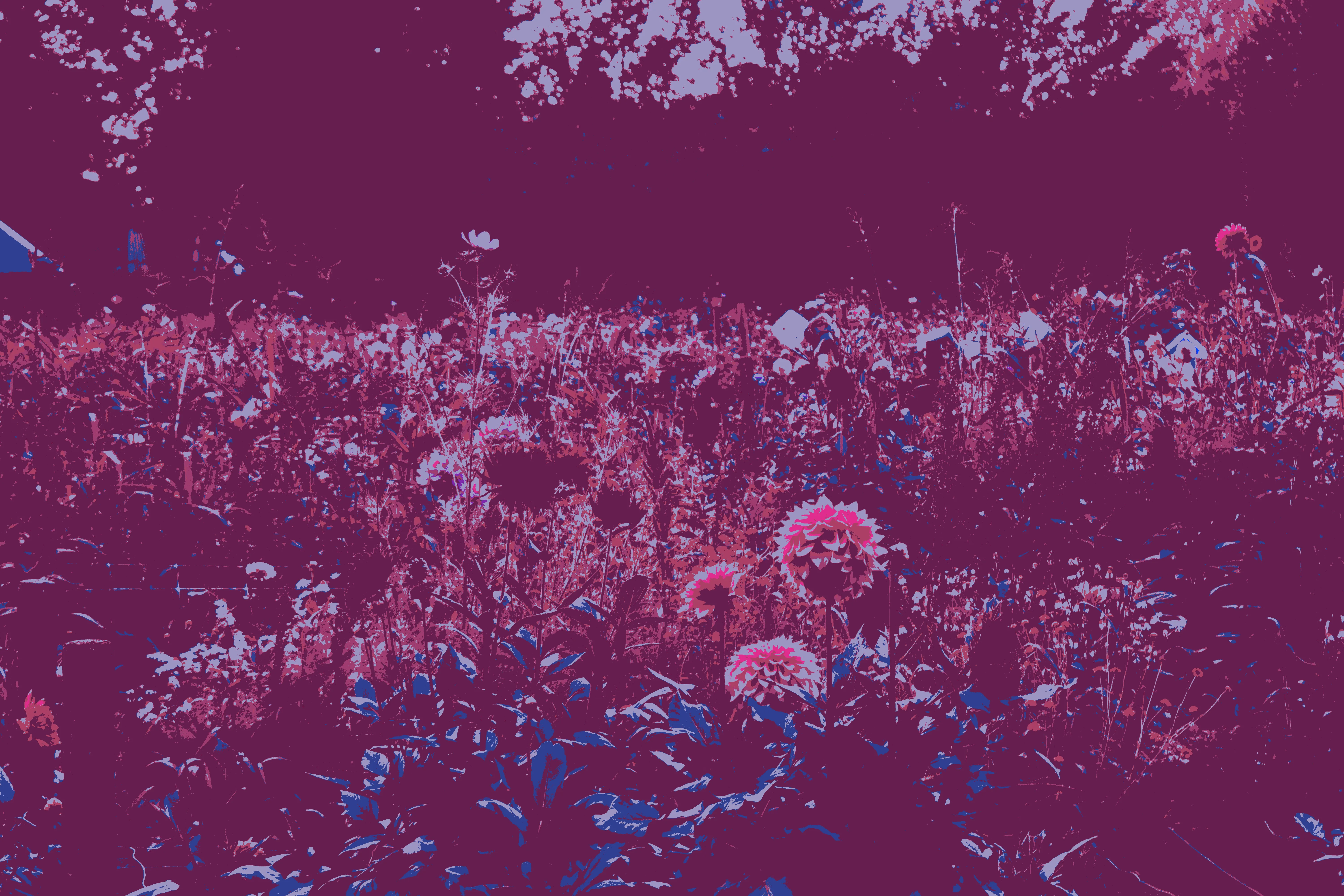
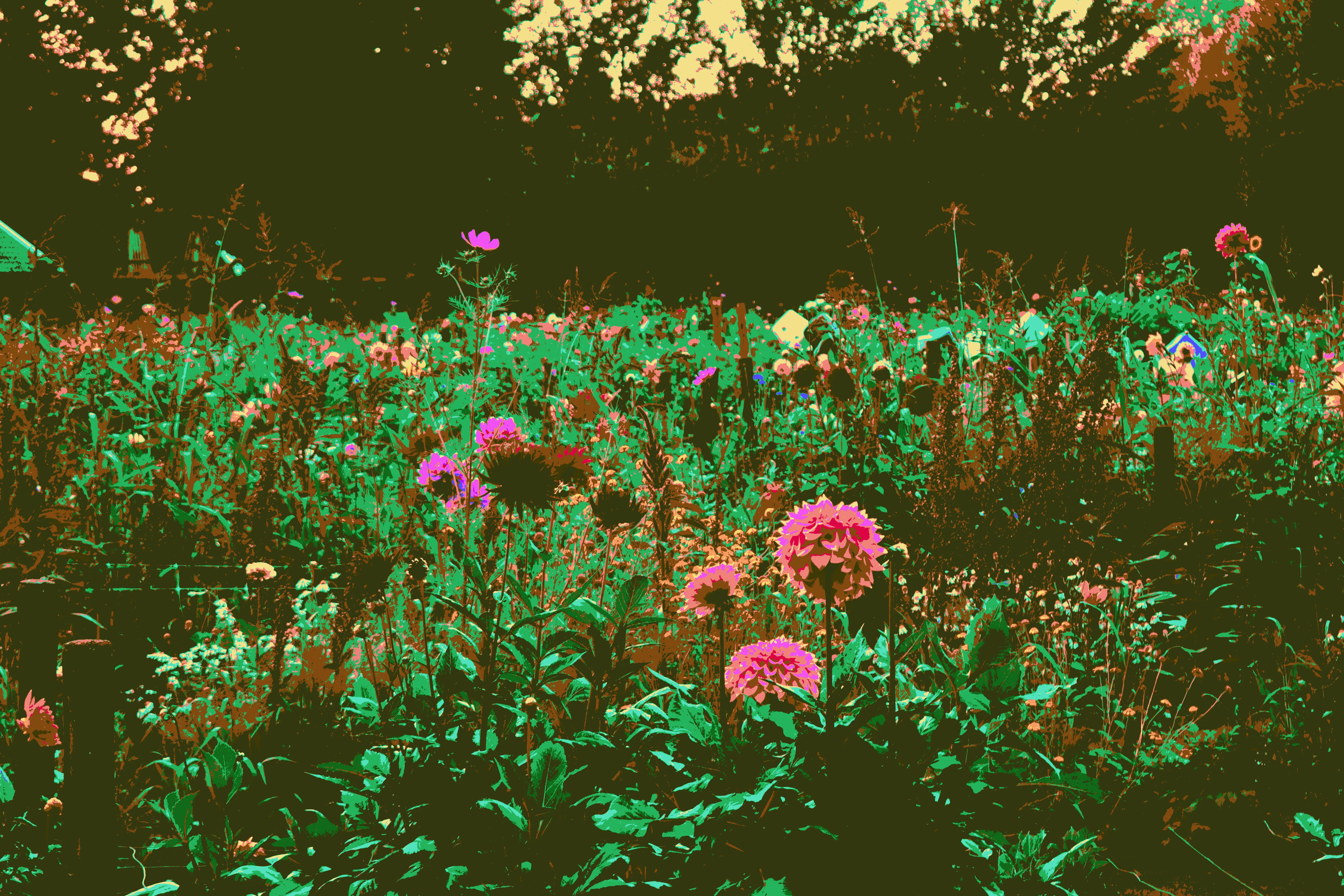
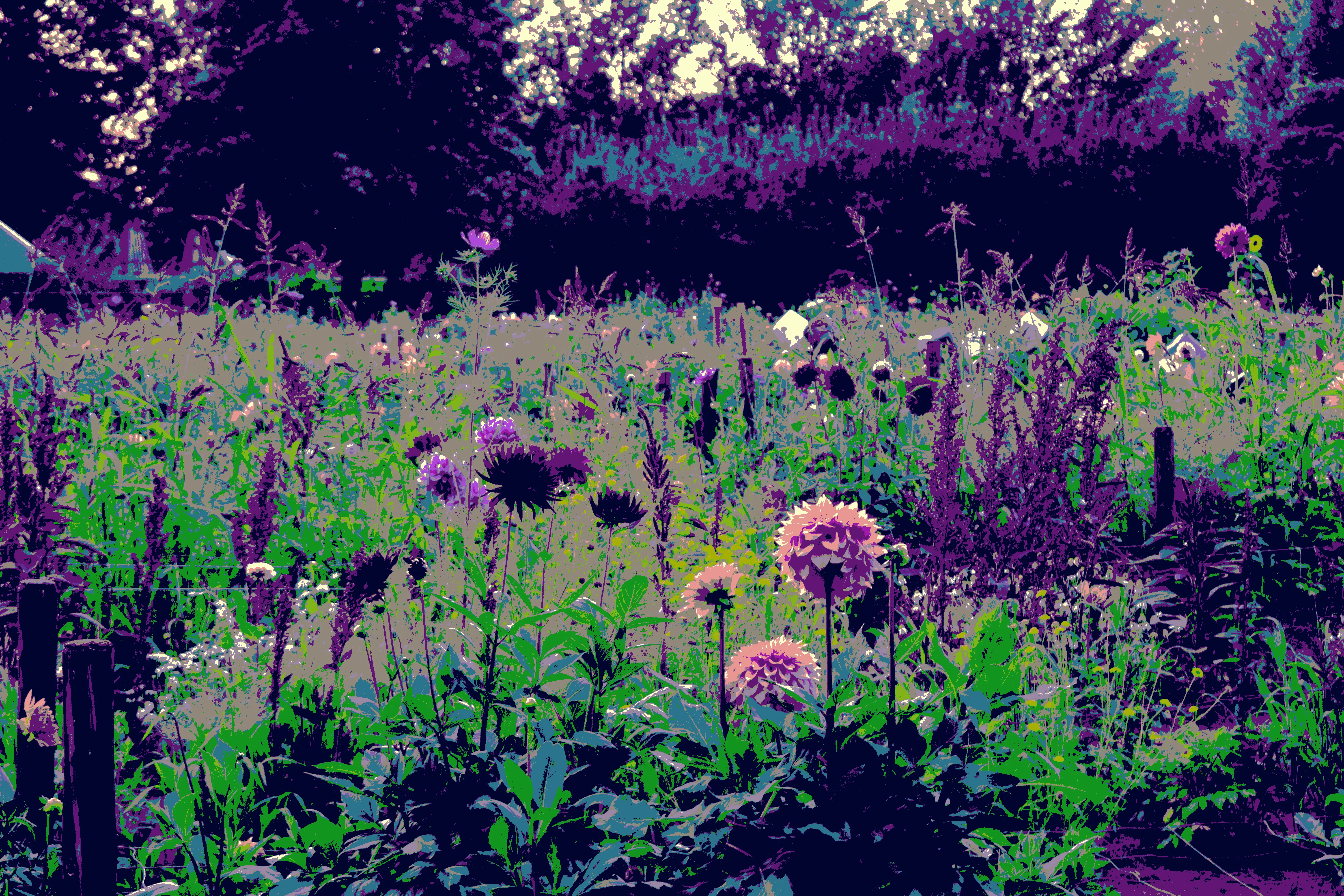
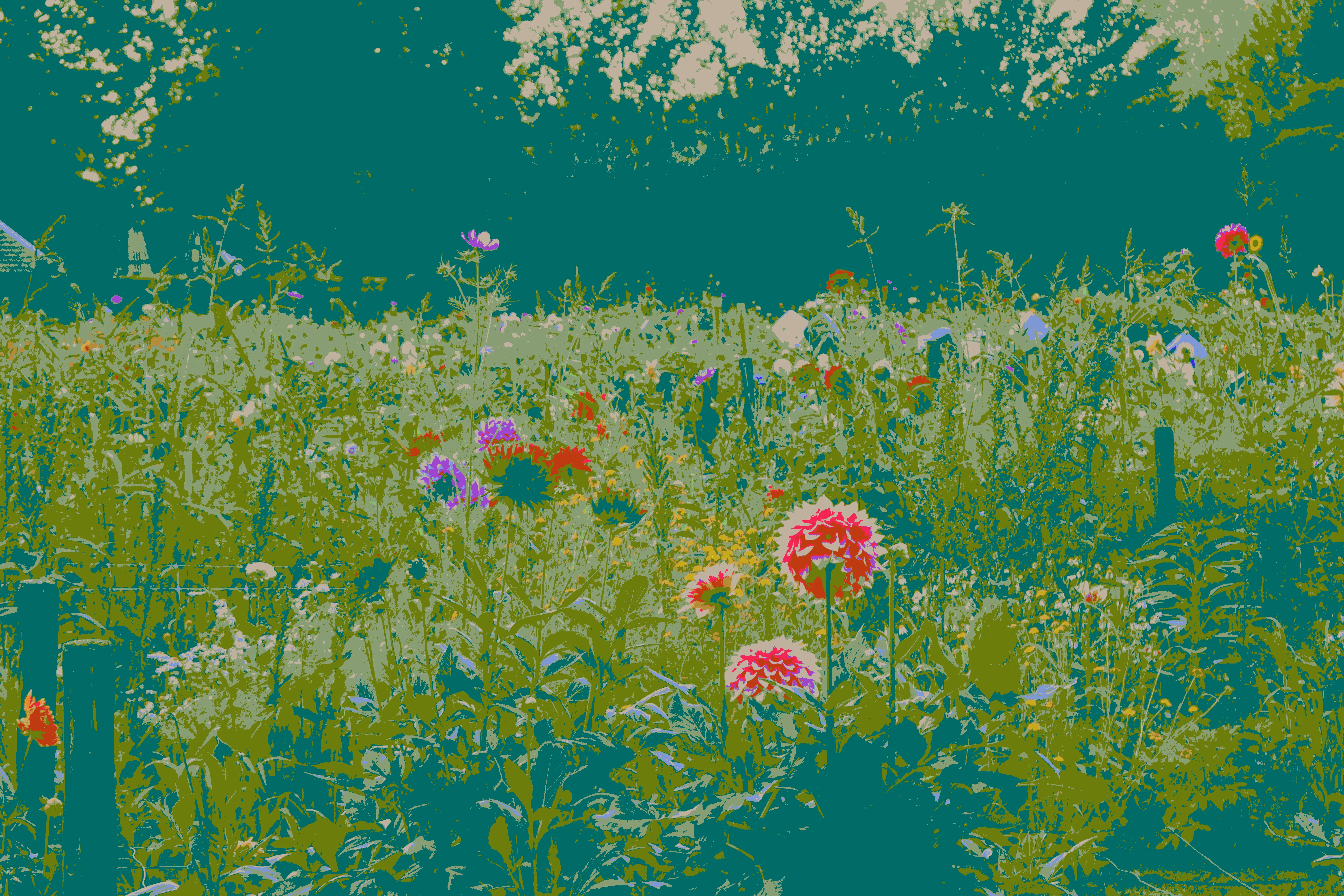
This demo is about palette impact only. All outputs use the same source and the same processing format. The first image uses the default palette, and the others use manual palettes I picked. This is also a creative tool: with a small palette of self-chosen colors, you can push a very specific artistic feel.
Source DSC_1193.JPG (JPEG) · processing format BMP4 · chain length 0 · chunk mode whole
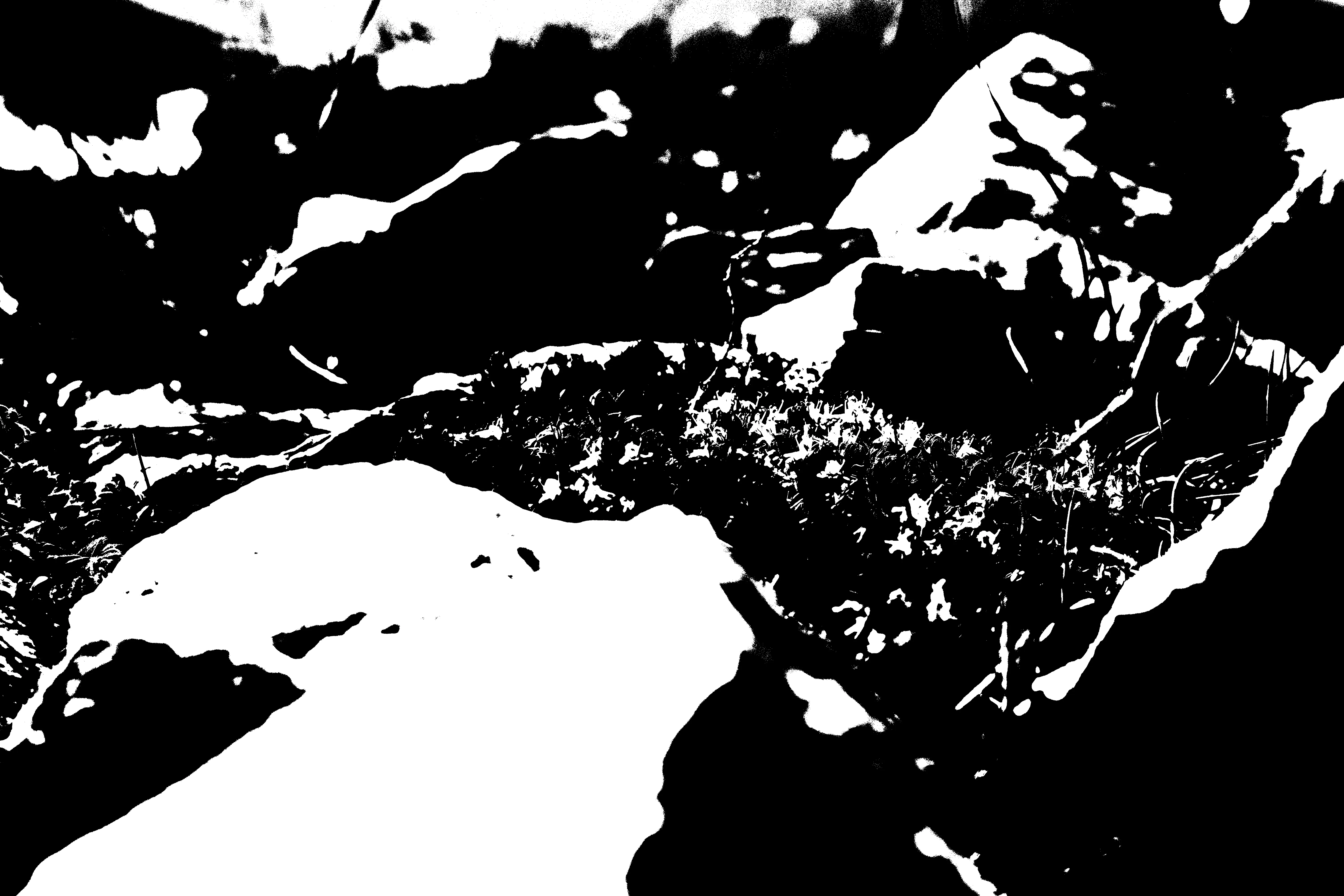
Demo 3 - default palette
Default palette
BMP4 default 16-color palette · log
Demo 3 - custom palette 1
Custom palette 1
Manual palette selection · log
Demo 3 - custom palette 2
Custom palette 2
Manual palette selection · log
Demo 3 - custom palette 3
Custom palette 3
Manual palette selection · log
Demo 3 - custom palette 4
Custom palette 4
Manual palette selection · log

Demo 04 — Chunk bending

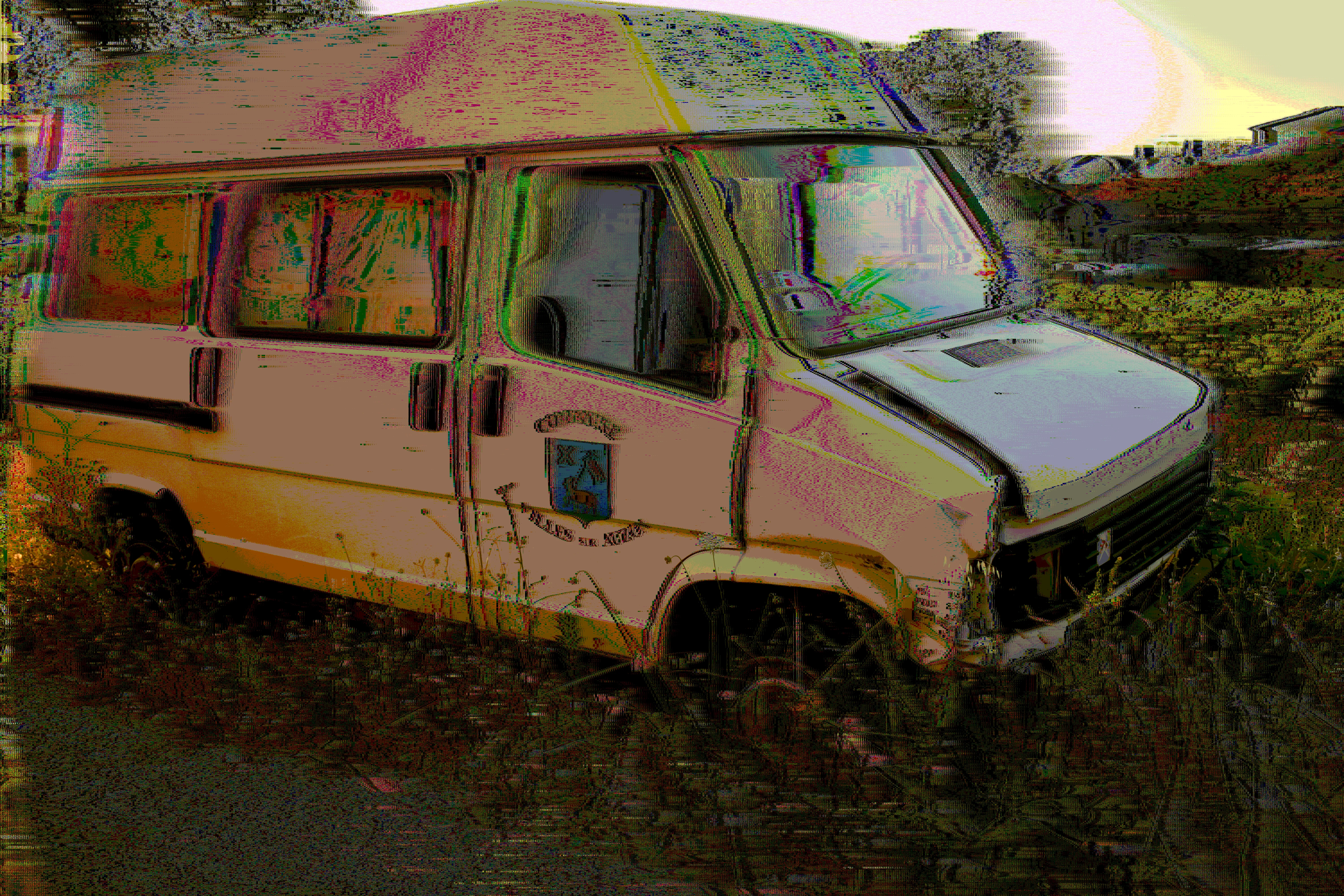
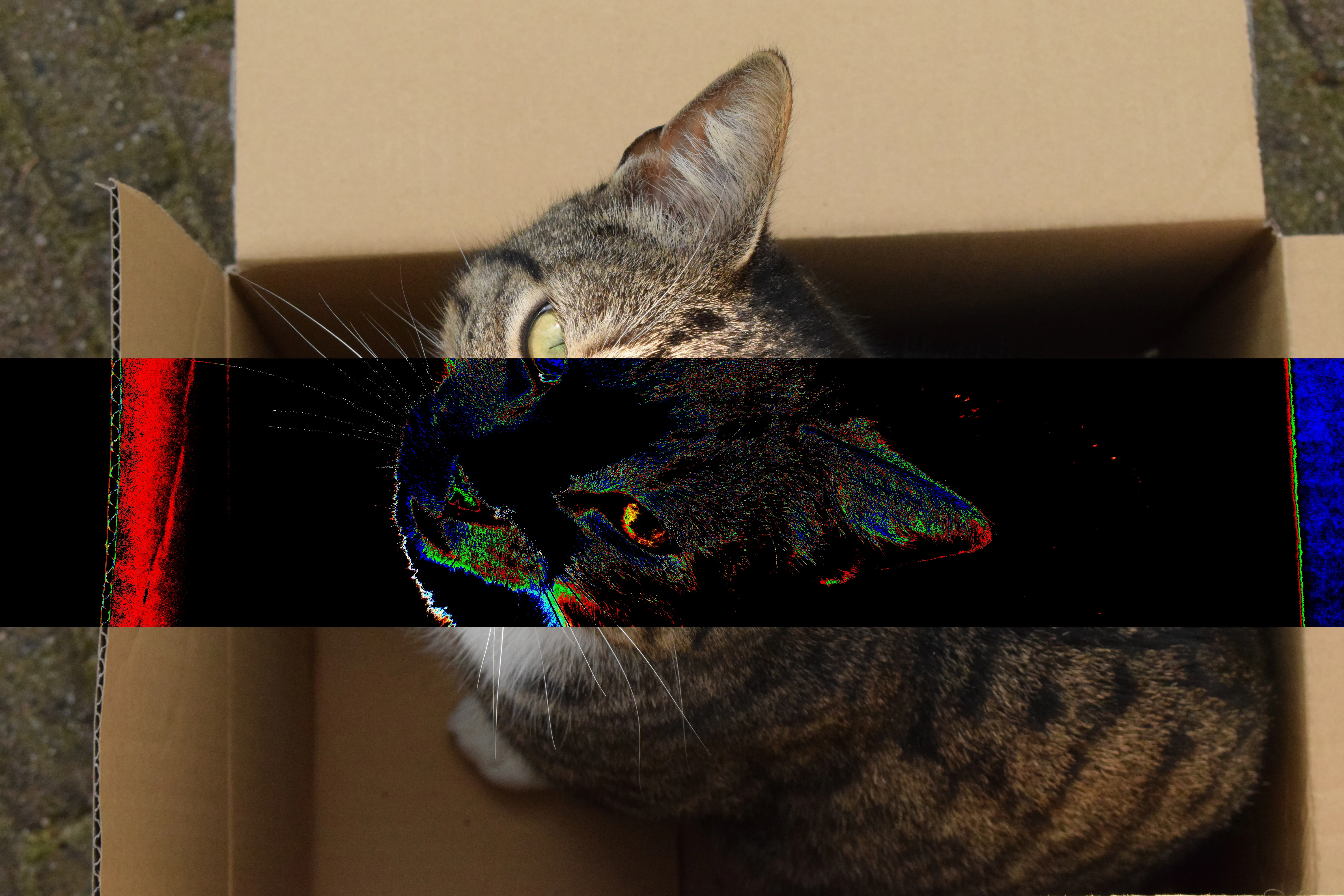
Same source, same operation, same seed. The only difference is chunk mode: whole file versus a manual chunk window.
Source DSC_0053.JPG (JPEG) · processing format BMP24 · op amp {"gain":20,"mode":"soft"} · seed 123456
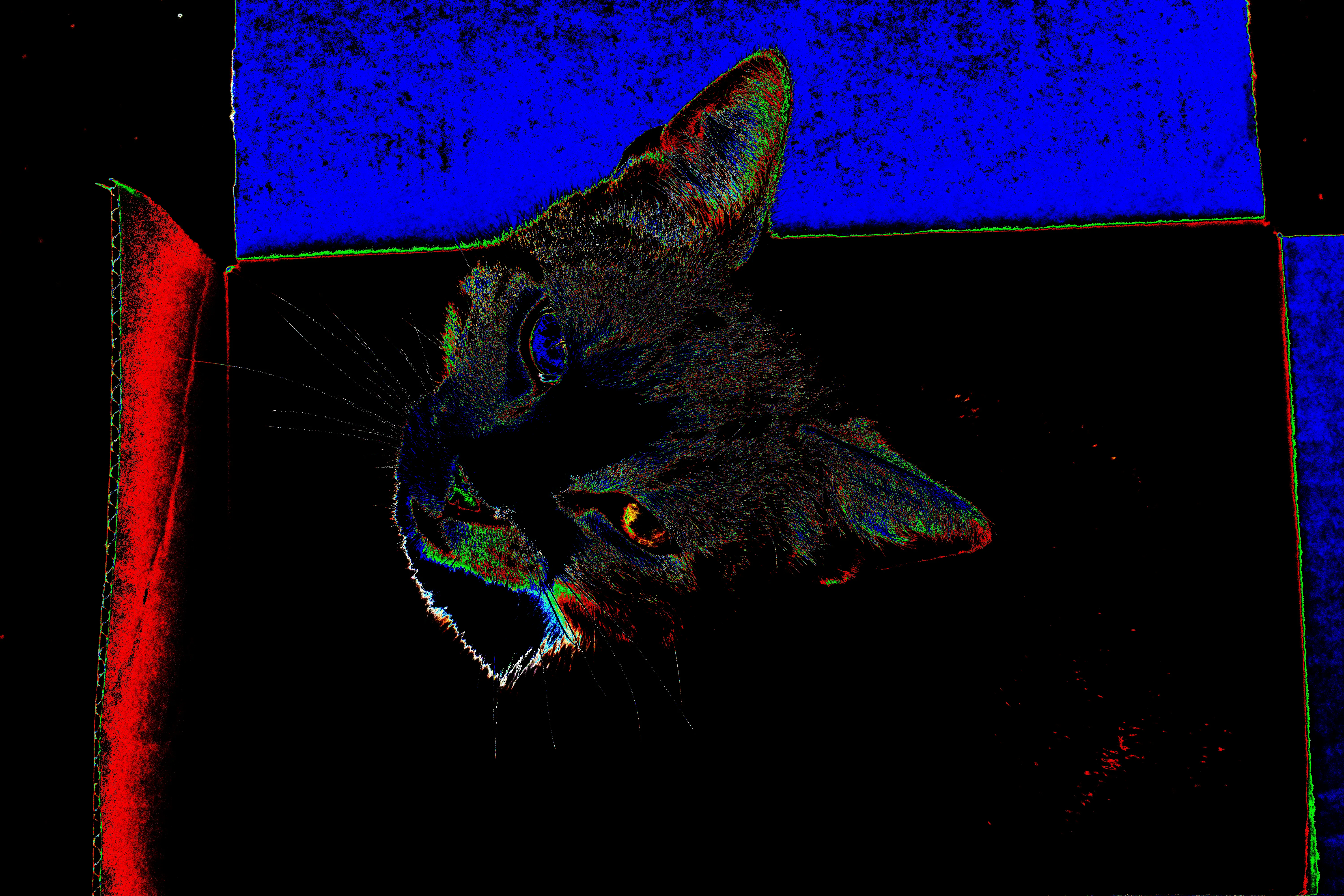
Demo 4 - whole chunk mode
Whole file bend
Chunk mode: whole · log
Demo 4 - manual chunk mode
Manual chunk bend
Chunk mode: manual 40.00%..70.00% · log

Demo 05 — Region selection

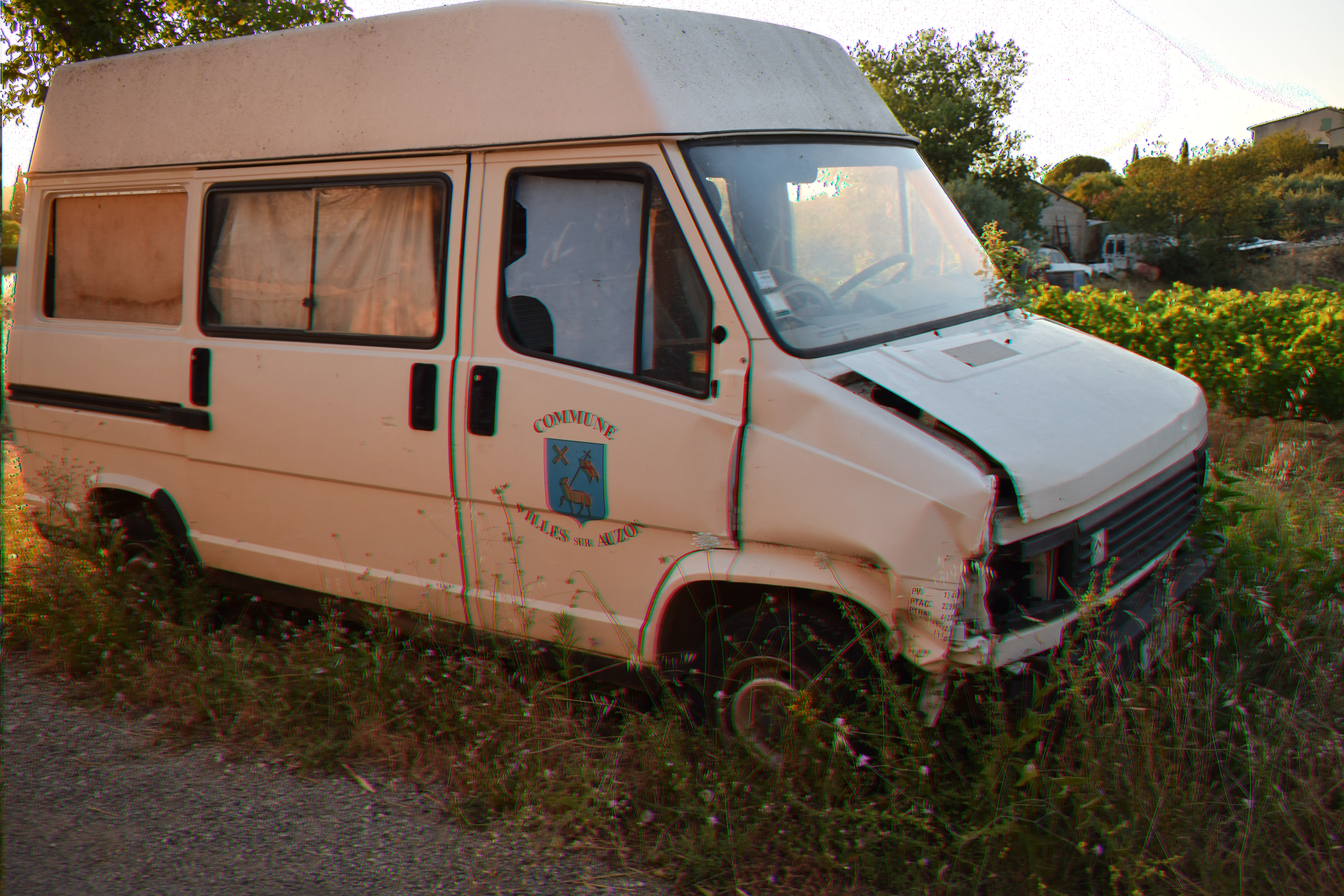
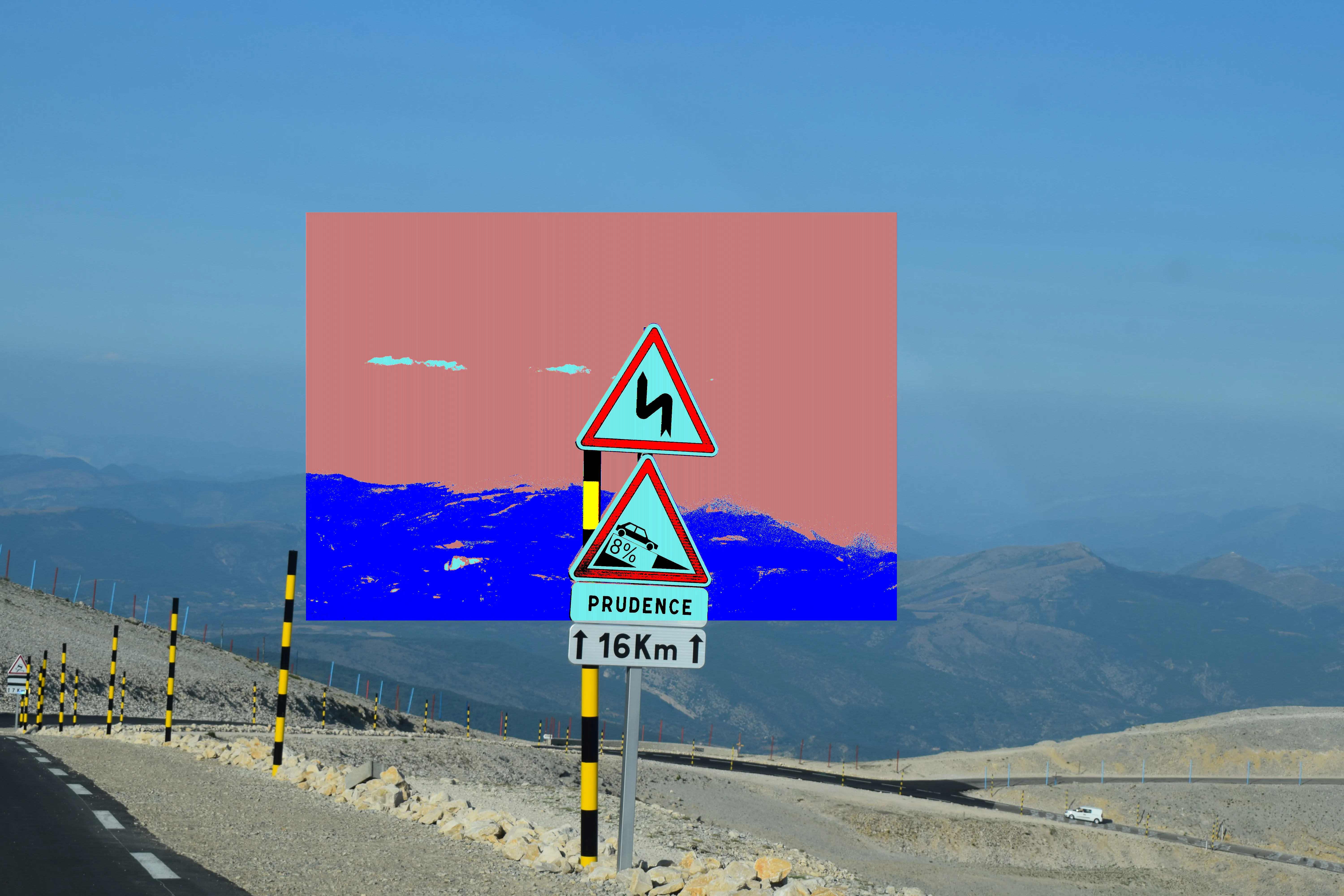
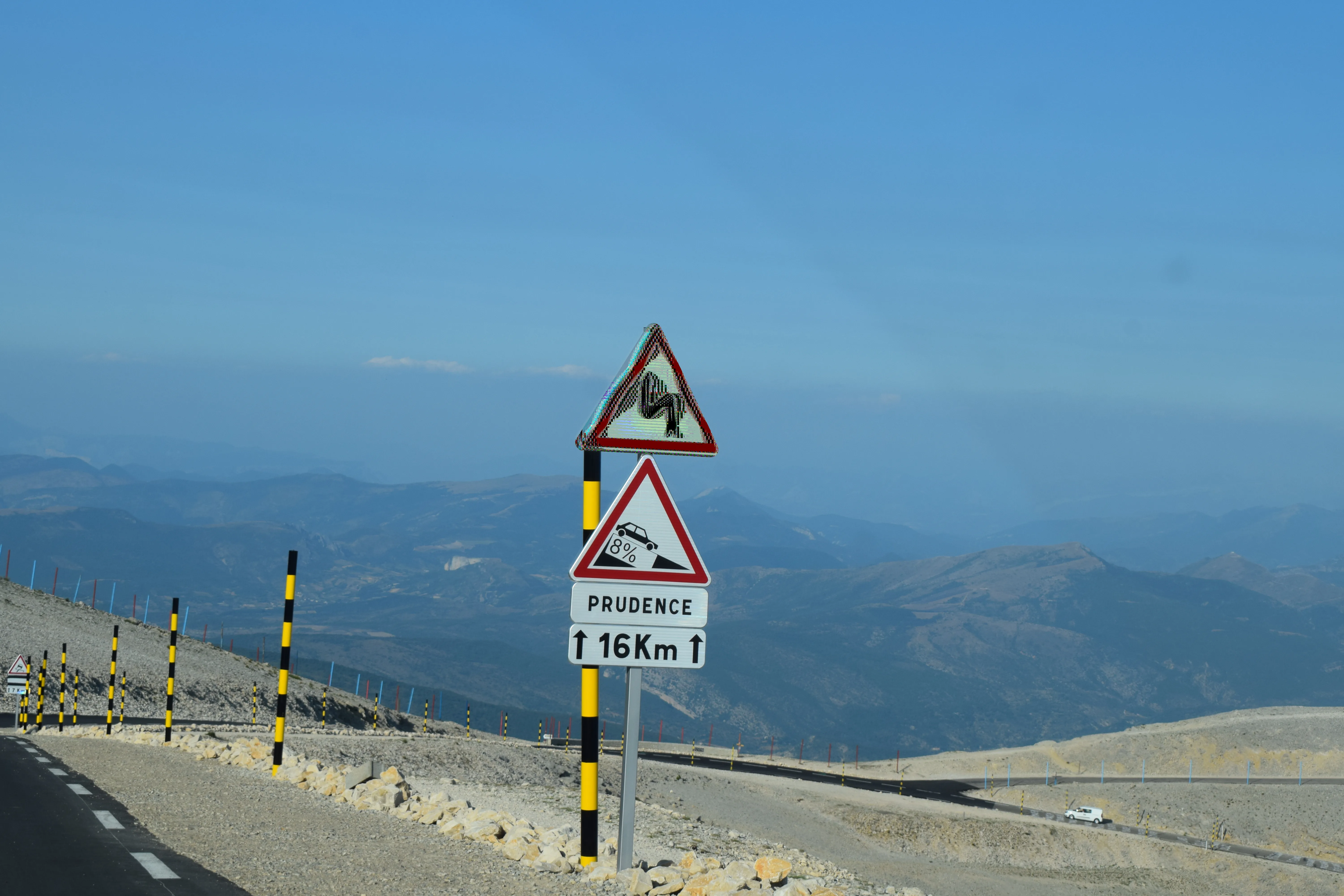
This set shows targeted bending instead of always bending the full image. You can isolate effects to a rectangular or polygonal area for more directed composition.
Source DSC_0061.JPG (JPEG) · chunk mode whole
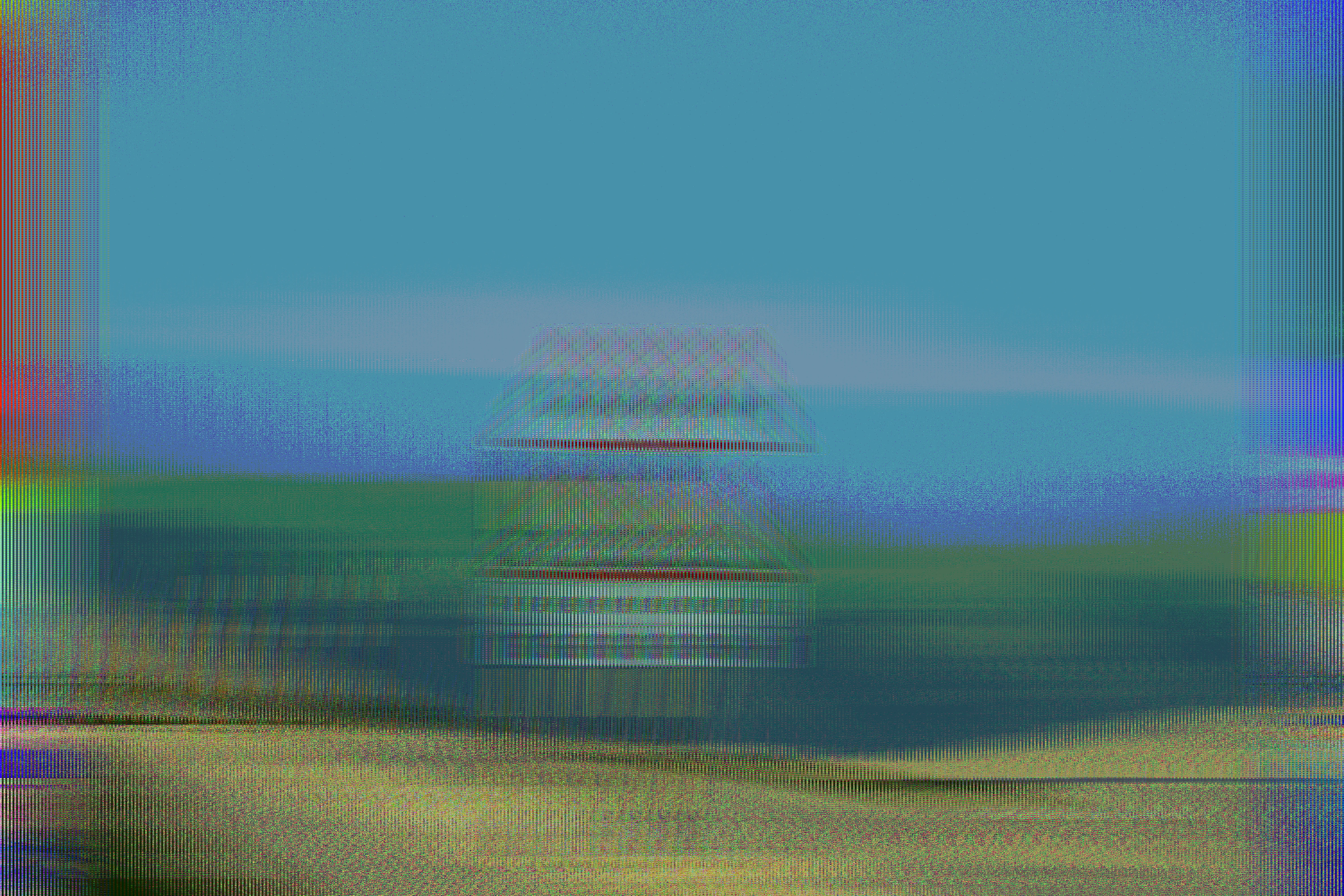
Demo 5 - full frame bend
Full-frame bend
ILBM8 · interleaveFold {"span":128,"mode":"in"} · seed 123456 · log
Demo 5 - rectangle region bend
Rectangle-only bend
BMP4 · expander {"thr":0.42,"ratio":1.8} · seed 1861109641 · rect region · log
Demo 5 - polygon region bend
Polygon-only bend
ILBM8 · phaser {"rate":2.29,"depth":-0.42,"stages":3} · seed 3461185493 · polygon region · log
More demos are coming soon.